Planning with what you actually own
Outfit apps that suggest new things to buy don’t help on a Tuesday morning. NOEMA plans from your own wardrobe, and only adds new pieces when you put them on your Wishlist.

Outfit planner
Put your closet in your phone. Build tomorrow’s outfit from what you own, see it on you, and save the ones that work.
iPhone app · in beta on TestFlight
 You
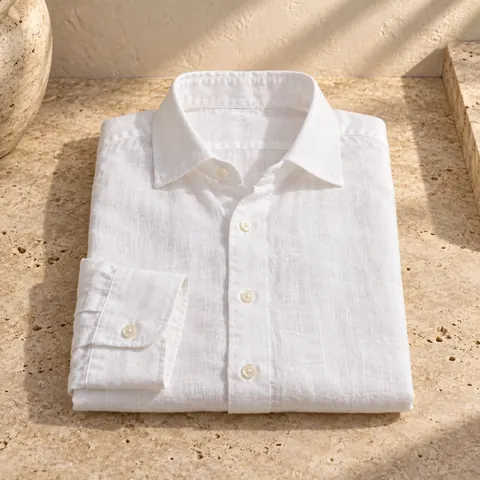 TopThe Linen ShirtOwned
 BottomThe Pleated TrouserOwned
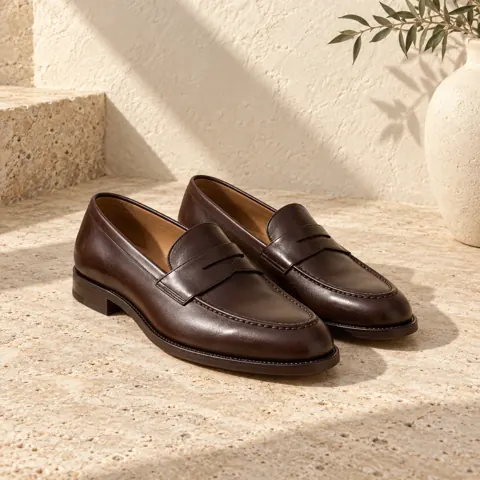 ShoesThe Penny LoaferOwned
 AccessoryTime, RefinedOwned
 NOEMA
Photograph what you own. Each piece is cut out and sorted into your wardrobe.
Pick the pieces, or Shuffle for combinations you haven’t tried.
Name it (“Dinner Friday”) and find it in Looks when you’re getting dressed.
Outfit apps that suggest new things to buy don’t help on a Tuesday morning. NOEMA plans from your own wardrobe, and only adds new pieces when you put them on your Wishlist.
A flat list of clothes doesn’t tell you whether the outfit works. A render of you wearing it does. Save the good ones, and rename, zoom, share or save them to Photos from Looks.
Your wardrobe library lives in the app on your iPhone. There’s no cloud closet for us to hold.
Take a photo of each piece or choose one from your library. NOEMA cuts it out on your phone, and you confirm the category.
Shuffle fills a look with new combinations from your wardrobe. You decide what to keep and what to swap.
One full-length photo, like a mirror selfie, in fitted clothes and good light. NOEMA keeps your face, body, pose and lighting from that photo and changes what you’re wearing, so the framing you shoot is the framing you get.
Your closet, wishlist and saved looks stay in the app on your iPhone. The photos for a try-on are sent only to make that image and aren’t stored by NOEMA. Details are in the Privacy Policy.
Standard is $10 a month for 40 credits and Pro is $20 a month for 80, billed through the App Store (local prices may vary). A standard look costs 1 credit and a high-fidelity 2K look costs 2. Unused credits roll over.
Join the iPhone beta. Apple emails your TestFlight invite.