No store integration to wait for
NOEMA doesn’t depend on which shops have signed up. Anything you can photograph or screenshot can go in your Wishlist, from a big retailer, a small label or a vintage listing.
Any store, any screenshot
Save something you like, from any shop or feed, and see it on yourself next to what you already own.
iPhone app · in beta on TestFlight
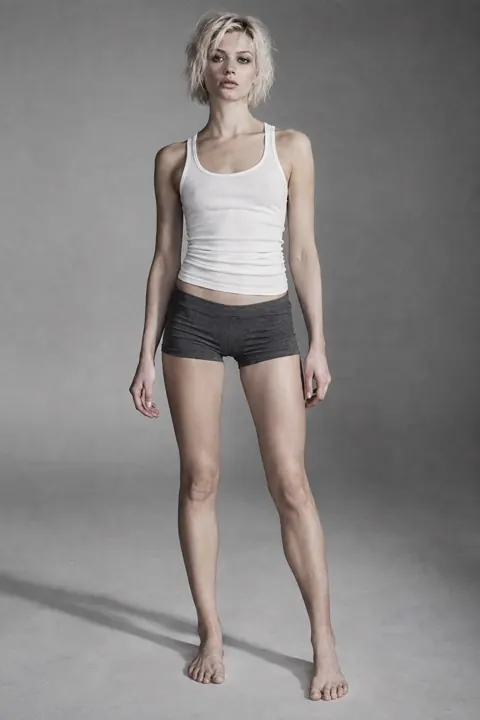 You
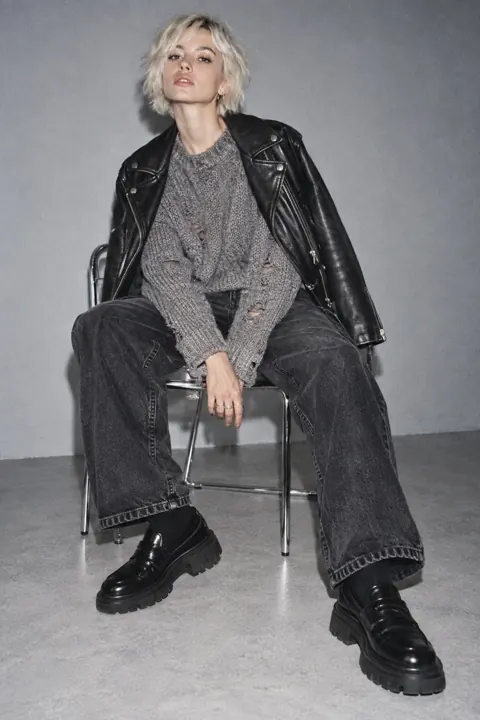
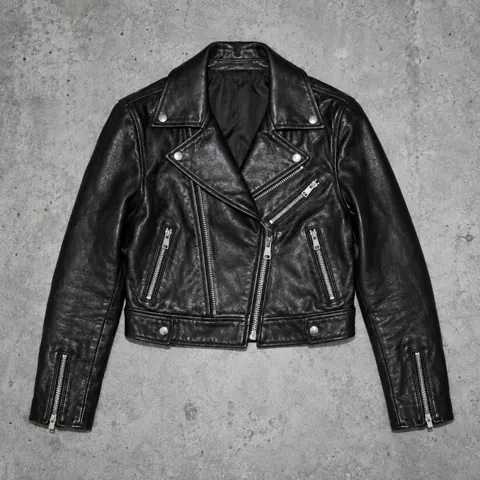 OuterThe BikerScreenshot
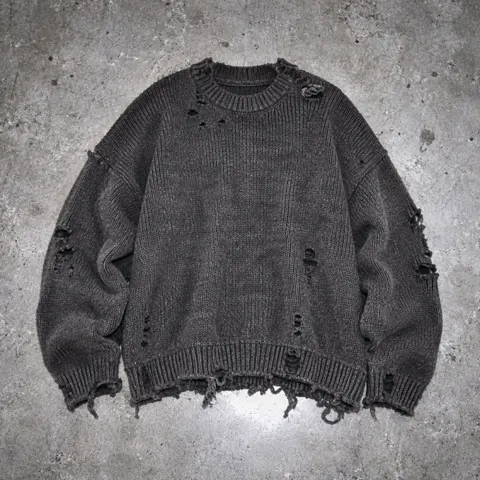 TopDistressed KnitOwned
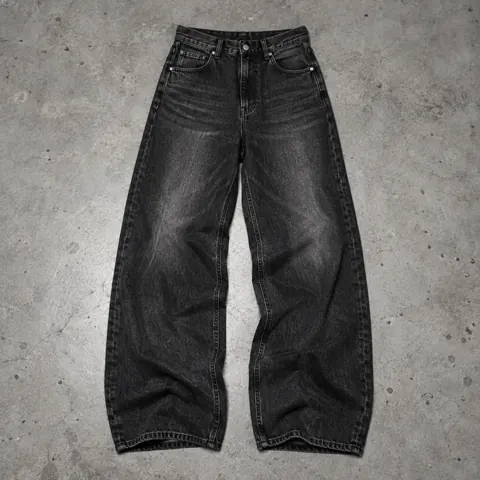 BottomOff-Duty DenimOwned
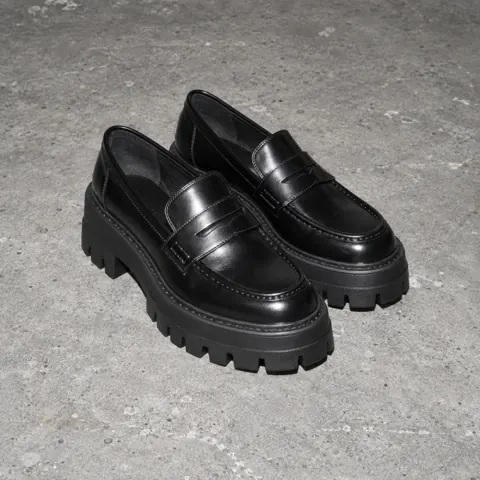 ShoesHeavy RotationOwned
 NOEMA
A screenshot of the product page, or a photo in the shop.
Choose it from your library, pick the category and save it to Wishlist. The cut-out happens on your phone.
Add it to a look with your own clothes and generate.
NOEMA doesn’t depend on which shops have signed up. Anything you can photograph or screenshot can go in your Wishlist, from a big retailer, a small label or a vintage listing.
One piece per image, shown whole, ideally on a plain background: a packshot or flat lay beats a busy street-style photo. The clearer the piece, the closer the result.
Keep what you have and what you want in two collections and mix them in one look, so every possible buy is judged against your real wardrobe.
All of them. NOEMA works from the image, so any product you can screenshot or photograph can be tried on.
It works best with a clear product shot of a single piece. Busy photos with several garments make it harder to pick out the one you want.
One full-length photo, like a mirror selfie, in fitted clothes and good light. NOEMA keeps your face, body, pose and lighting from that photo and changes what you’re wearing, so the framing you shoot is the framing you get.
Your closet, wishlist and saved looks stay in the app on your iPhone. The photos for a try-on are sent only to make that image and aren’t stored by NOEMA. Details are in the Privacy Policy.
Not yet. NOEMA is an iPhone app (iOS 17 or later) and is in beta through TestFlight. Join the beta and Apple emails your invite.
Join the iPhone beta. Apple emails your TestFlight invite.